
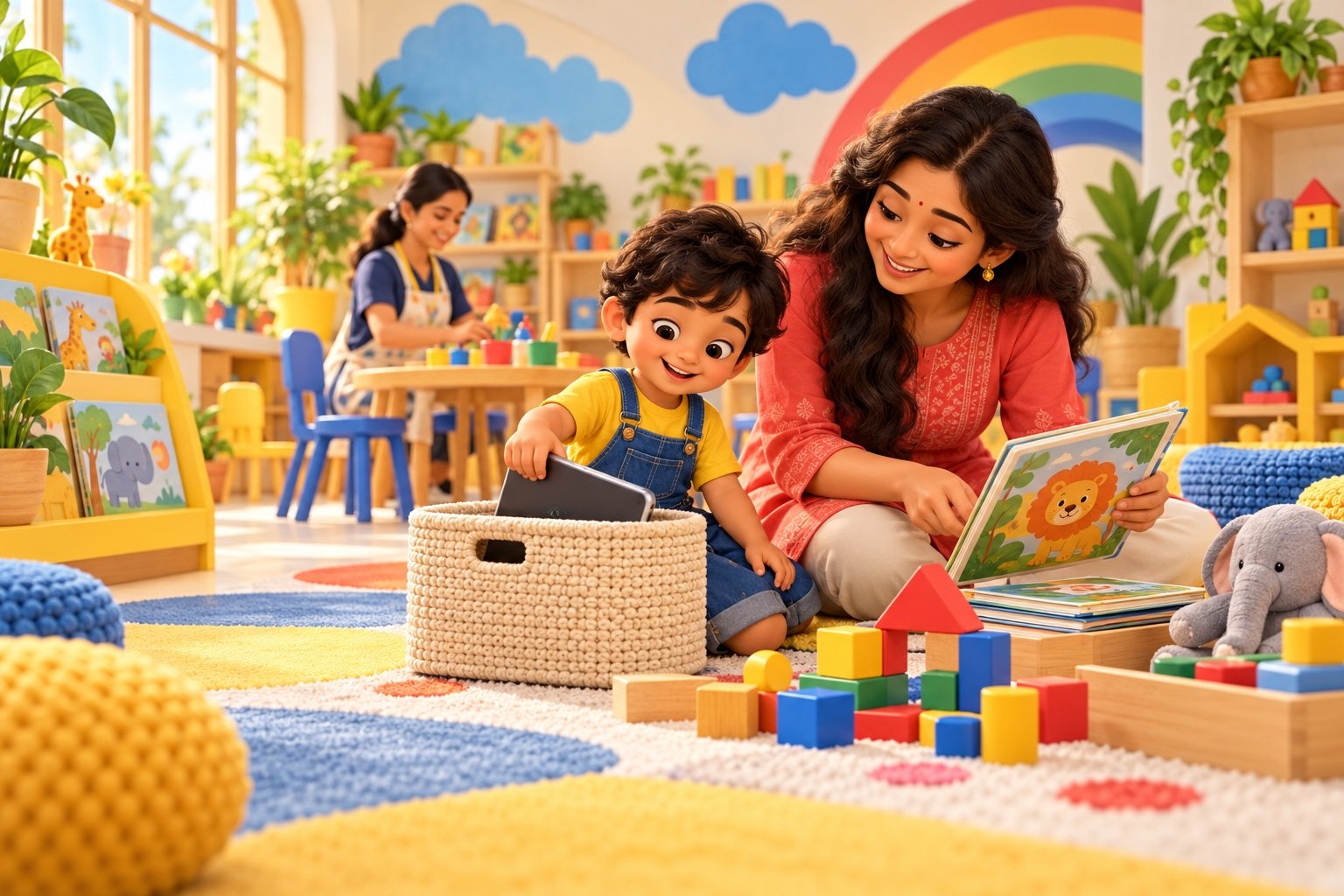
Many families use screens for video calls, learning, entertainment or a necessary quiet moment. The difficult part is often not the screen itself—it is deciding when it starts, what the child watches and how it ends. A simple family routine makes those decisions easier for both adults and children.
How much screen time is recommended?
The World Health Organization advises that sedentary screen time for children aged 2 years and children aged 3–4 years should be no more than one hour a day, with less being better. The American Academy of Pediatrics similarly recommends one hour or less of high-quality programming for children aged 2–5. Both place screen use inside a bigger picture that includes sleep, active play and human interaction.
Use the four-question quality check
Before pressing play, ask:
- Is it age-appropriate? Choose gentle pacing, clear language and themes your child can understand.
- Is it free from endless hooks? Turn off autoplay and avoid feeds designed for continuous scrolling.
- Can we connect it to real life? A song can lead to dancing; an animal story can lead to drawing or pretend play.
- How does my child behave afterwards? Notice whether the content leaves them calm and curious or overstimulated and upset.
A routine that reduces daily battles
1. Choose a predictable screen window
“After afternoon snack” is easier for a young child to understand than “maybe later.” Keep screens away from moments that already need calm attention, such as getting ready for school, family meals and the bedtime routine.
2. Decide before the device opens
Tell your child what they will watch and when it will finish: “One episode, then we will build the train track.” A clear ending is kinder than an unexpected shutdown.
3. Give two transition warnings
Try a five-minute warning and a one-minute warning. Use the same short sentence each day. A visual timer can help children see that the ending is predictable, not a surprise punishment.
4. Prepare the next activity
Do not end with an empty space. Put out crayons, blocks, a puzzle, water play, a picture book or a small household job. The next activity does not have to be elaborate; it only needs to be ready.
5. Stay close to the feeling and steady on the limit
A child may still protest. Acknowledge it—“You wanted more and stopping is hard”—without reopening the decision. Calm repetition builds predictability over time.
10 easy screen-free swaps
- Make a pretend shop with safe kitchen containers.
- Sort socks by colour or size.
- Build the tallest block tower and test what makes it stable.
- Dance to two favourite songs.
- Tell a story using three household objects.
- Water plants or wipe a child-sized table.
- Draw the character from a story after watching it.
- Create a cushion obstacle path.
- Look through family photos and retell a memory.
- Pack tomorrow’s school bag together.
Try a gentle seven-day reset
If screen time has slowly expanded, avoid a dramatic ban. For one week, keep one consistent daily window, remove autoplay, keep devices out of sight at other times and plan one easy replacement activity. Track bedtime, mealtime and transition behaviour. At the end of the week, keep the parts that made family life calmer.
When to ask for personalised help
Speak with your child’s paediatrician or another qualified health professional if screens regularly displace sleep or active play, if your child’s behaviour around devices feels unmanageable, or if you have concerns about language, attention, vision or development. Online advice cannot replace guidance tailored to your child.
At preschool, a rich day should offer stories, movement, art, conversation, pretend play and hands-on exploration. See how our preschool programs build these experiences into the school routine, or read why play-based learning supports early development.
Quick parent FAQs
How much screen time is suitable for a preschooler?
WHO guidance says sedentary screen time for children aged 2 and 3–4 should be no more than one hour a day, and less is better. Consider quality, adult involvement, sleep, movement and your child’s response too.
How do I stop crying when screen time ends?
Use a predictable screen window, give two short warnings, end at a natural stopping point and have the next activity ready. Acknowledge the disappointment while keeping the limit consistent.
Is educational screen time always good?
No label can guarantee quality. Choose slow, age-appropriate content, avoid autoplay and advertising, and help your child connect what they saw to conversation or real-world play.